Camera translation for signs, menus and documents
· 6 min read
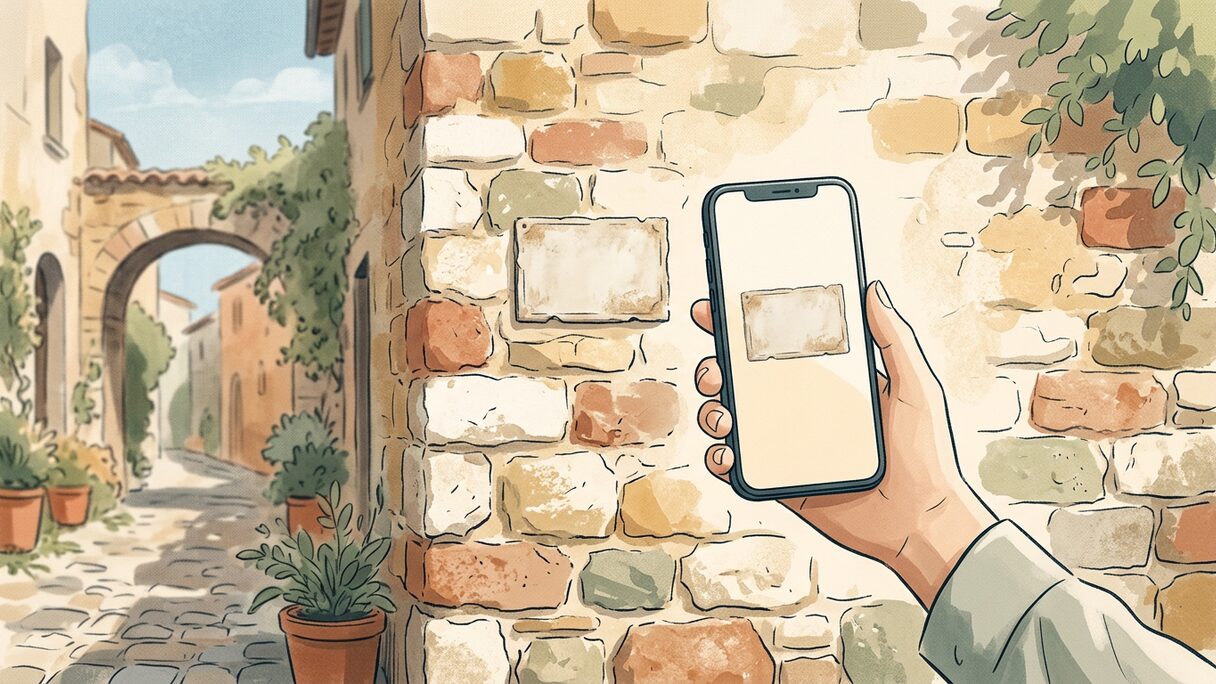
Point your phone's camera at anything you can't read, and read it back in your own language. That is camera translation in one sentence. You hold the camera up to a street sign, a menu, a product label or an official letter, and it gives you the whole thing rewritten in your language, laid out the way the original was.
The part that matters is the layout. Good camera translation does not just float a few words over the picture. It regenerates the image so the translated text sits where the original text was, in roughly the same shape, so a menu still reads like a menu and a form still reads like a form.
How camera translation actually works
When you point the camera at text, three things happen in quick succession.
- It finds the text in the image, including small print, signs at an angle, and several blocks at once.
- It translates that text into your language, using the surrounding context so the result reads naturally rather than word for word.
- It rebuilds the image with the translated text in place, matched to the original positions and structure.
That last step is the difference between a tool you glance at and a tool you can actually act on. A plain overlay drops translated words on top of the picture, which is fine for a single short sign but turns into a jumble on anything with columns, prices or fine print. Rebuilding the layout means a long menu still looks like a menu, with starters above mains and prices next to dishes, so you can scan it the way a local would.
Camera translation works across 50 languages, the same set the typed translation uses. (The live two-way voice mode covers a slightly smaller set, 39 languages, because it needs speech in and speech out, not just text.) For a deeper look at how the two compare on signs and menus specifically, here is Voca Vela next to Google Lens.
Where you'll reach for it
The honest test of a feature is how often it saves you in real life. Camera translation earns its place in a few very specific moments.
Street signs and getting around
A sign that says which platform, which exit, or "no entry after 8pm" is the kind of thing you need right now, not after you've typed it out. Point, read, move on. This is the everyday case: parking rules, transit boards, a notice taped to a door, a warning you'd rather understand before you ignore it.
Restaurant menus
Menus are where a word overlay falls apart and a proper rebuild shines. There are usually several sections, dishes you've never heard of, and prices you want lined up with the right item. Translating a menu with the camera lets you read the whole thing in order instead of decoding one line at a time. If ordering is the part that makes you nervous, we wrote a whole guide on reading a foreign menu and ordering what you actually want.
Official letters and documents
This is the one people don't expect to need until a letter from the tax office or the town hall lands in the mailbox. A document translation app that keeps the structure is genuinely useful here, because the layout of an official letter carries meaning: the date, the reference number, the deadline, the bit in bold. Reading it in your language, in the same shape, tells you fast whether this is junk mail or something with a due date. Use it to understand what the letter is and what it's asking. For anything legally or financially binding, treat the translation as a first read and confirm the important details with a person who knows the language.
Product and pharmacy labels
In a supermarket you mostly want to know if this is salt or sugar, whole milk or skimmed, with nuts or without. The camera handles that in a second. Pharmacy boxes are a bigger deal. You can translate the box to get the gist of a dose or a warning, but medicine is exactly the kind of high-stakes text where a machine translation can be subtly wrong, and the cost of wrong is real. Use it to orient yourself, then check the dose, the ingredients and any interaction with a pharmacist or doctor. If you want to think through the medical side properly, see talking to the doctor when you don't share a language.
When to trust it, and when not to
Camera translation is excellent for the everyday flood of small text problems: signs, menus, labels, the gist of a letter. It is fast, it is right most of the time, and it gets you unstuck without making you type.
It is still machine translation, though, and machine translation can be wrong. The risk is not usually gibberish you'd notice. It's a small slip you wouldn't, a "may" that should have been "must," a number that got mangled, a medical or legal term with no clean equivalent. For anything where being wrong has a cost (medicine, contracts, money, safety) use the camera to understand the shape of the thing, then get a qualified human to confirm the parts that matter.
A few practical habits help:
- Hold steady and get good light. Clear text in, clear translation out.
- If a result looks odd, reframe and shoot again. Glare, a steep angle or a curved label can trip up the text detection.
- For dense documents, capture sections rather than trying to grab a whole page of fine print in one go.
- Cross-check the high-stakes numbers (doses, dates, amounts) against the original yourself.
How it fits with the rest of the toolkit
Camera translation is the right tool when the thing you can't read is written down and sitting still. When the thing you can't read is a person talking to you, that's a different mode. Voca Vela also does live two-way voice, so a conversation gets translated out loud both ways, and quick typed translation for when you just need to fire off one natural-sounding line. The camera, the voice and the text all share the same job: getting you from "I have no idea what this says" to "right, got it" with as little friction as possible.
FAQ
Does camera translation work offline?
Voca Vela runs in your browser and does the heavy lifting in the cloud, so it needs a connection. If you know you'll be somewhere without signal, read and translate what you can in advance, or take a clear photo to translate once you're back online.
Can it translate a whole document, not just a sign?
Yes, that's one of its better uses. It keeps the structure of the page, so a letter or a form comes back laid out like the original. For long or dense documents, capture it in sections for the cleanest result, and double-check anything legally binding with a person.
How many languages does the camera support?
Camera translation works across 50 languages, the same range as typed text translation. Live two-way voice covers 39, the subset where full speech in and speech out is available.
Is it safe to use for medicine labels?
Use it to get the gist, not as the final word. A machine translation can miss a subtle but important detail on a dose or a warning, so confirm anything that affects your health with a pharmacist or doctor.
Next time you're staring at a sign, a menu or a letter you can't read, you can point your camera at it and read it in your own language. You can try it free at vocavela.live.
Voca Vela translates live conversations, signs and documents, so you can get by from day one and pick the language up as you go. Free to start.
Try Voca Vela free